FeaturesQuestions
Move a course's quiz into your LMS question bank
Drop a course and get its questions as files your LMS imports: QTI 1.2 and 2.1, Moodle GIFT and Aiken.
Free to preview. One course, every format, $10.
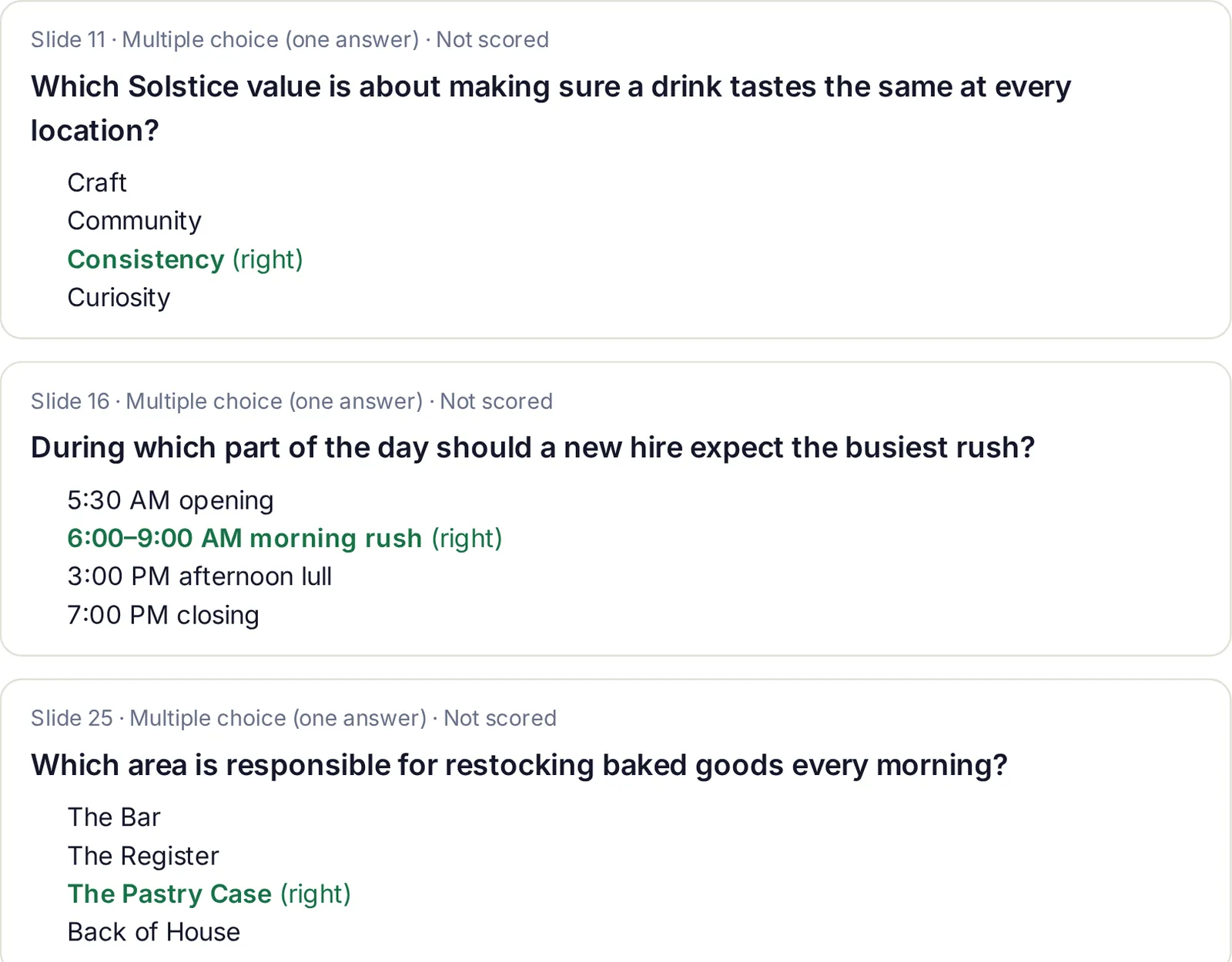
Slide 11 · Multiple choice (one answer) · Not scored
Which Solstice value is about making sure a drink tastes the same at every location?
- Craft
- Community
- Consistency
- Curiosity
Slide 16 · Multiple choice (one answer) · Not scored
During which part of the day should a new hire expect the busiest rush?
- 5:30 AM opening
- 6:00–9:00 AM morning rush
- 3:00 PM afternoon lull
- 7:00 PM closing
Slide 25 · Multiple choice (one answer) · Not scored
Which area is responsible for restocking baked goods every morning?
- The Bar
- The Register
- The Pastry Case
- Back of House
The same questions go into each file: QTI 1.2 and 2.1, Moodle GIFT and Aiken.
What you get
Files your LMS imports
QTI 1.2 for Canvas, D2L and Moodle. QTI 2.1 for Blackboard. Moodle GIFT. Aiken.
Seven question types
One answer, several answers, true or false, fill in the blank, numeric, matching and sequence.
Answers and points
The right answers, the points and the feedback come with each question.
Banks stay grouped
Each question bank in the course becomes its own group.
How it works
- Drop the courseDrop a .story or .cptx file, a Rise export or a published SCORM package on the converter.
- Check the free previewPick Question bank for an LMS and look at the first pages, with what comes across and what doesn't.
- Pay once and downloadOne payment of $10 covers every format from that course. No account needed.
What does not come across
- Survey questions, and questions answered on a picture: hotspots, labels and drag onto a picture.
- A question with no correct answer set in the course.