FeaturesQuestions
Export a course's quiz questions to Excel
Drop a course and get its questions in a spreadsheet: each question, its choices, the correct answer, feedback and points.
Free to preview. One course, every format, $10.
Solstice Coffee Co. New Hire Onboarding Essentials
79 slides14 questions
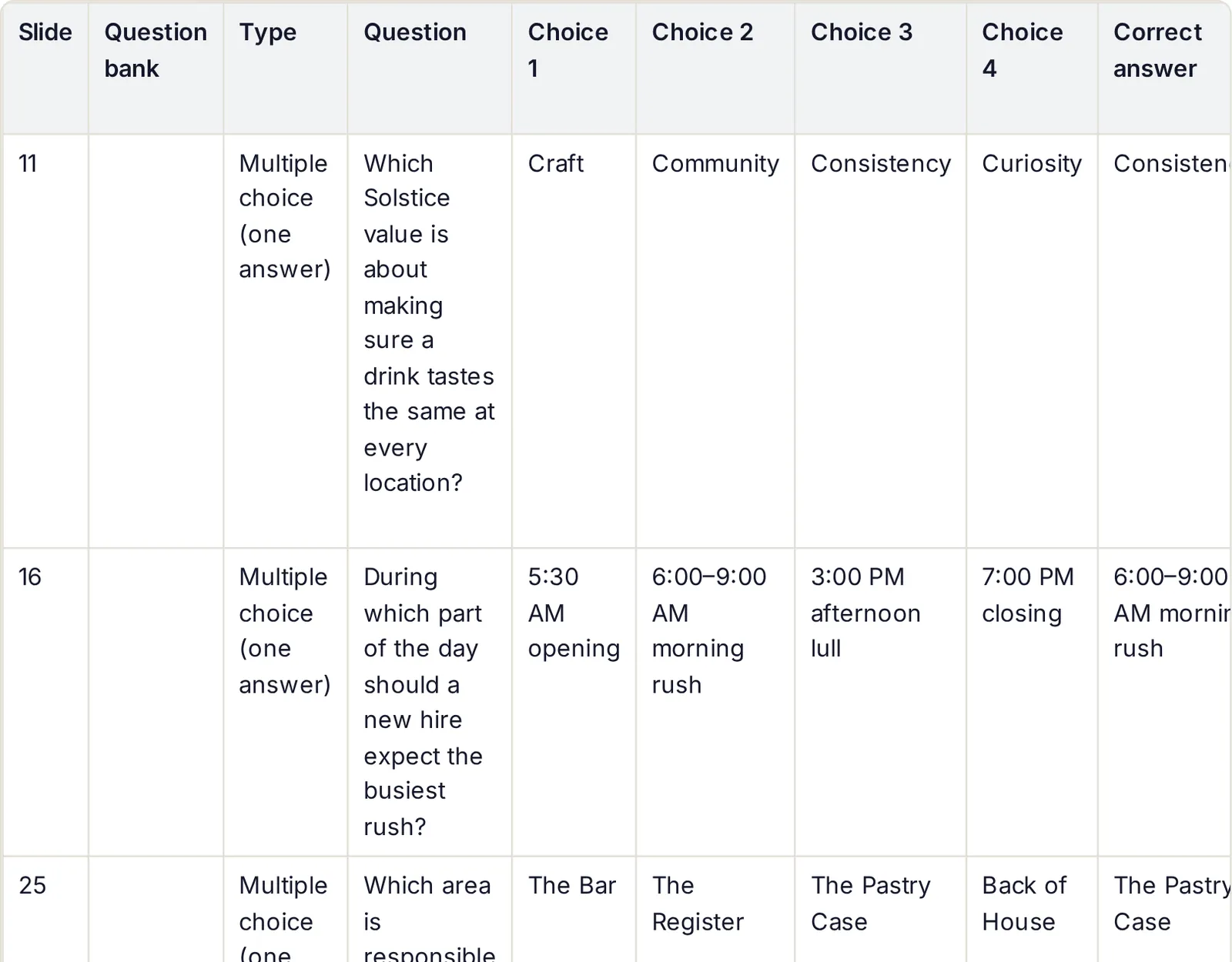
Preview: Quiz to ExcelFirst 3 of 14 questions
| Slide | Type | Question | Correct answer |
|---|---|---|---|
| 11 | Multiple choice (one answer) | Which Solstice value is about making sure a drink tastes the same at every location? | Consistency |
| 16 | Multiple choice (one answer) | During which part of the day should a new hire expect the busiest rush? | 6:00–9:00 AM morning rush |
| 25 | Multiple choice (one answer) | Which area is responsible for restocking baked goods every morning? | The Pastry Case |
What you get
One row per question
The question, every choice, the correct answer and the points.
Feedback included
The feedback for a correct and an incorrect answer.
Question banks
Questions drawn from a bank are labeled with the bank's name.
Also as CSV
The same rows as a CSV file, for other tools.
How it works
- Drop the courseDrop a .story or .cptx file, a Rise export or a published SCORM package on the converter.
- Check the free previewPick Quiz to Excel and look at the first pages, with what comes across and what doesn't.
- Pay once and downloadOne payment of $10 covers every format from that course. No account needed.
What is left blank
- A question with no correct answer set in the course is left blank rather than guessed.