FeaturesDocuments
Build a storyboard from a finished course
Drop a course and get its storyboard: a row per slide with on-screen text, narration, interactions, notes and the media it uses.
Free to preview. One course, every format, $10.
Solstice Coffee Co. New Hire Onboarding Essentials
79 slides14 questions
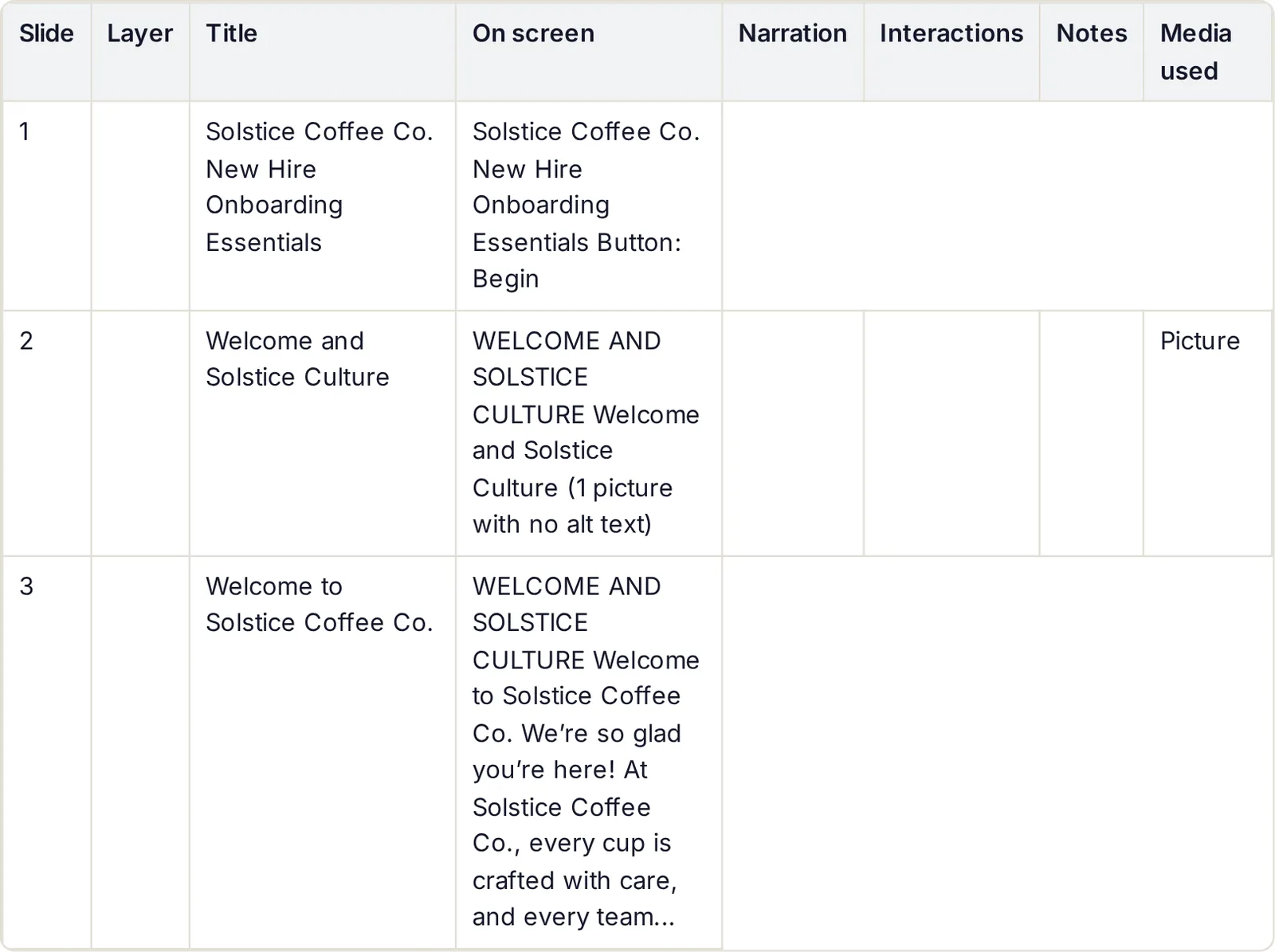
Preview: StoryboardFirst 3 of 79 slides
| Slide | Title | On screen | Media used |
|---|---|---|---|
| 1 | Solstice Coffee Co. New Hire Onboarding Essentials | Solstice Coffee Co. New Hire Onboarding Essentials Button: Begin | |
| 2 | Welcome and Solstice Culture | WELCOME AND SOLSTICE CULTURE Welcome and Solstice Culture | Picture |
| 3 | Welcome to Solstice Coffee Co. | WELCOME AND SOLSTICE CULTURE Welcome to Solstice Coffee Co. … |
What you get
A row per slide
Slide, layer, title, on-screen text, narration, notes and media used.
Interactions in words
What each button and trigger does, written out.
Excel or Word
The same storyboard as a sheet or a Word table.
How it works
- Drop the courseDrop a .story or .cptx file, a Rise export or a published SCORM package on the converter.
- Check the free previewPick Storyboard and look at the first pages, with what comes across and what doesn't.
- Pay once and downloadOne payment of $10 covers every format from that course. No account needed.
Where the pictures are
- The storyboard is words. The Word handout has a picture of each slide.