Free e-learning storyboard template for Word
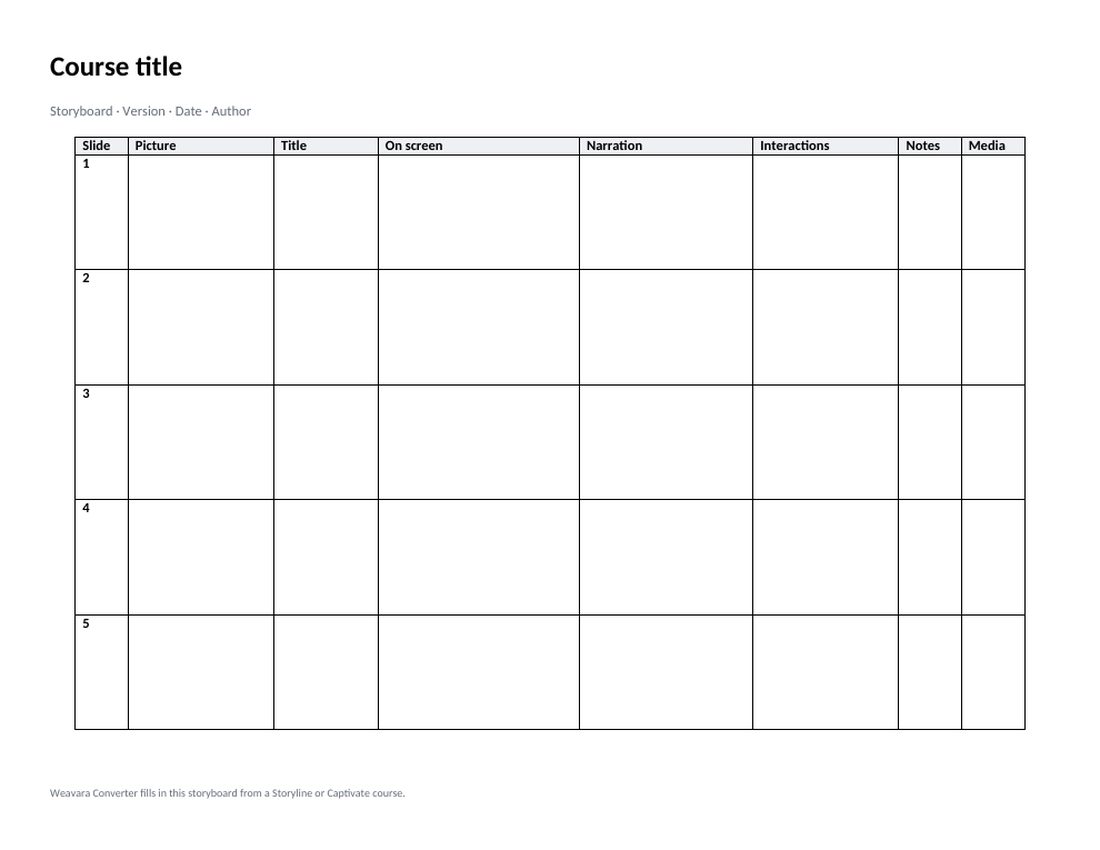
A landscape Word table with a row per slide: picture, title, on-screen text, narration, interactions, notes and media. Download it blank, or drop a Storyline or Captivate course and get it filled in.
Free, with no account and no email address.
What each column is for
Slide: the slide's number. Picture: a sketch or screenshot of the screen. Title: the slide's name. On screen: every word the learner reads. Narration: the script for the voice. Interactions: buttons, questions and what each choice leads to. Notes: for the developer. Media: the audio, video and pictures the slide needs.
The header row repeats on every page, and pressing Tab in the last cell adds a row.
Filled in from a course
The same columns come back filled in when you drop a Storyline .story file or a Captivate .cptx project on the converter: a picture of every slide and layer, its text, the narration from its captions, its triggers in words, and its notes and media. Use it to review a course that was never storyboarded, or to start the next version from the last one.
Questions
- Is the template free?
- Yes. It downloads at once, with no account and no email address.
- Can I fill it in from a course I already built?
- Yes. Drop the Storyline .story file or the Captivate .cptx project on the storyboard pages, and the same columns come back filled in.
- Can I add or remove columns?
- Yes. It is an ordinary Word table, so change it as you like.
Each one has its own page with a drop zone and a preview of the result.
| From | PPTXPowerPoint | DOCXWord | PDFPDF | XLSXQuiz to Excel | QTILMS question bank | XLSXStoryboard | JPGPictures | VTTCaptions | ZIPMedia | SCORMSCORM, cmi5 | More |
|---|---|---|---|---|---|---|---|---|---|---|---|
| .storyStoryline | PPTXStoryline to PowerPoint | DOCXStoryline to Word | PDFStoryline to PDF | XLSXStoryline quiz to Excel | QTIStoryline quiz to QTI | XLSXStoryline to storyboard | JPGStoryline slides to pictures | VTTStoryline narration to captions | ZIPStoryline media files | Storyline quiz to CanvasStoryline quiz to Moodle | |
| .cptxCaptivate | PPTXCaptivate to PowerPoint | DOCXCaptivate to Word | PDFCaptivate to PDF | XLSXCaptivate quiz to Excel | QTICaptivate quiz to QTI | XLSXCaptivate to storyboard | Captivate Classic to PowerPointOpen a .cptx file without CaptivateCaptivate to Storyline | ||||
| RiseRise | PPTXRise to PowerPoint | DOCXRise to Word | |||||||||
| .zipPublished course | PPTXPublished course to PowerPoint | DOCXSCORM package to Word | PDFSCORM package to PDF | SCORMSCORM 1.2 to SCORM 2004 | SCORM package to PowerPointSCORM to cmi5Get an editable copy of a SCORM package | ||||||
| XLSXExcel or CSV | QTIExcel questions to QTI | Excel questions to Moodle |