FeaturesSlides
Convert an e-learning course to an editable PowerPoint deck
Drop a Storyline, Captivate or Rise course and get a PowerPoint deck. Every text box, shape and picture stays editable.
Free to preview. One course, every format, $10.
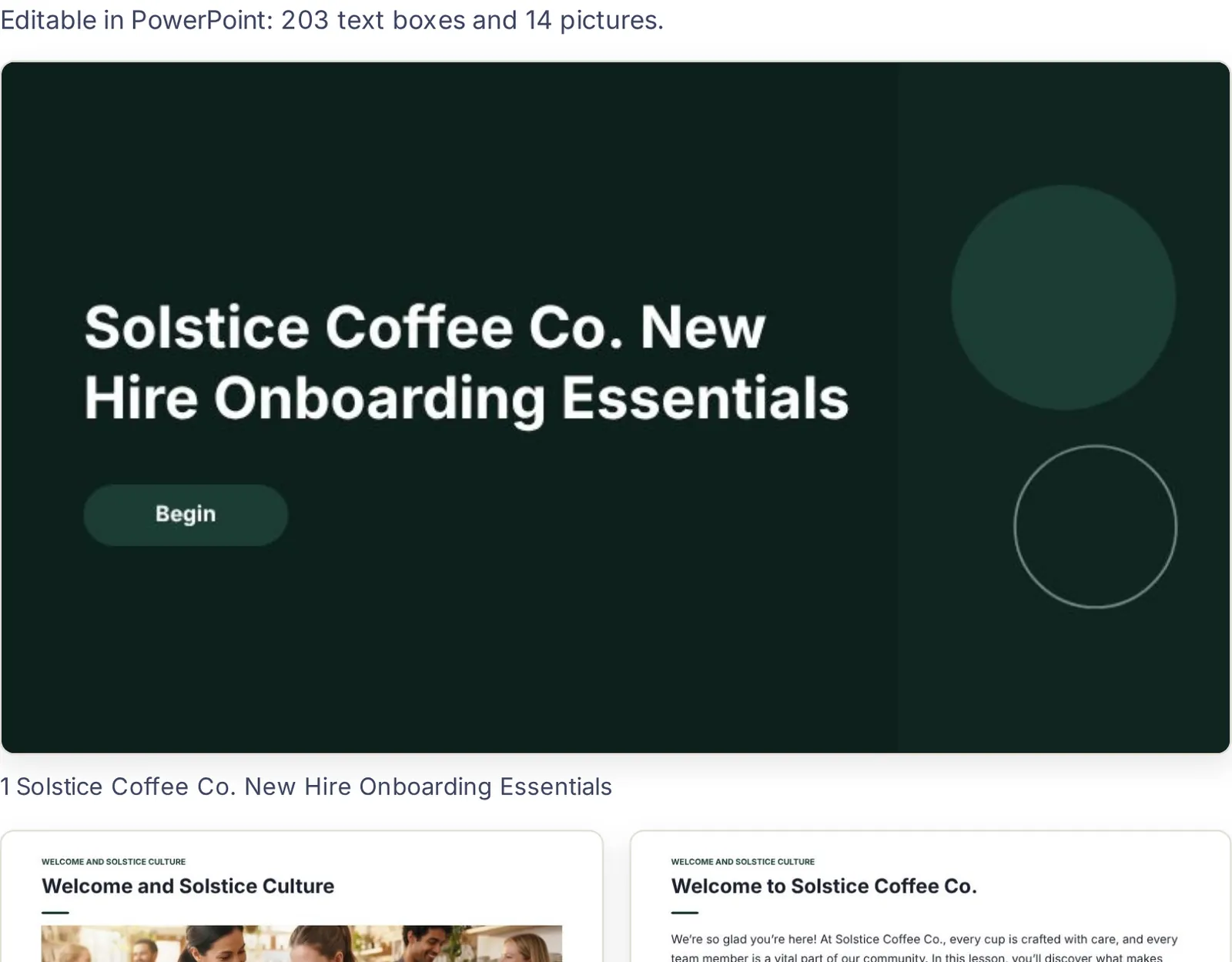
Solstice Coffee Co. New Hire Onboarding Essentials
79 slides14 questions
Preview: PowerPointFirst 3 of 79 slides
Editable in PowerPoint: 203 text boxes and 14 pictures.



What you get
Everything editable
Text, shapes and pictures come across as PowerPoint objects, not flat pictures of slides.
Each layer as its own slide
Each layer becomes a slide of its own, right after its base slide.
Narration in the notes
The speaker notes hold the slide's narration and the answer key for its question.
Videos inside or left out
Keep the videos in the deck, or leave them out and keep each video's still to keep the file small.
Hidden objects stay hidden
Objects the learner sees only part of the time are in the deck, hidden, so they do not pile up.
How it works
- Drop the courseDrop a .story or .cptx file, a Rise export or a published SCORM package on the converter.
- Check the free previewPick PowerPoint and look at the first pages, with what comes across and what doesn't.
- Pay once and downloadOne payment of $10 covers every format from that course. No account needed.
What stays in the course
- Triggers, timeline animations and variables.
- Anything else in a given course, listed by name in the preview before you pay.